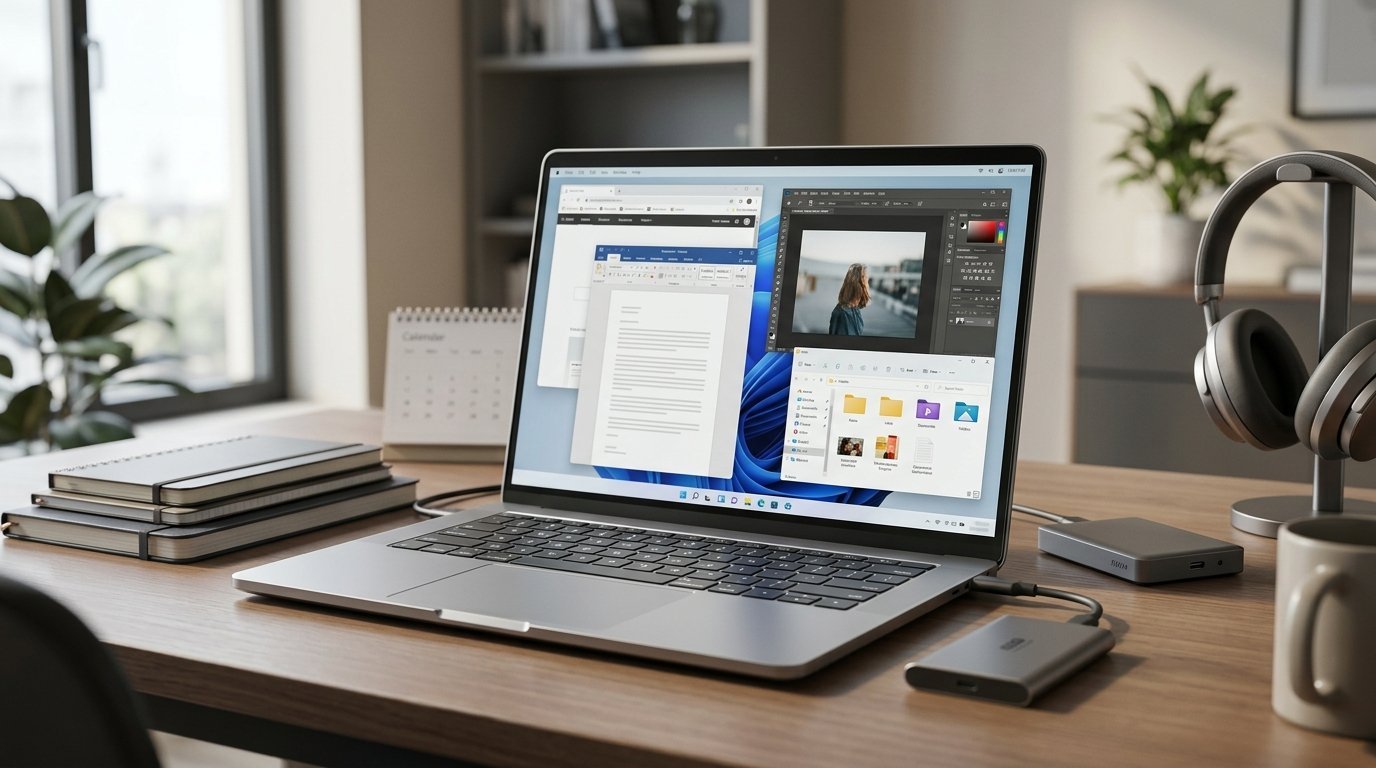
RAM and storage are the two specifications most likely to be under-bought, and they fail in different ways. Too little RAM makes a fast machine feel slow. Too little storage makes it a daily nuisance. One of them is often impossible to fix later.
What RAM actually does
RAM is the space the computer works in. Everything currently running lives there. When it fills up, the system moves less-used data out to storage — a process that works, but is far slower than memory, and it is what you feel as stuttering when switching between applications.
More RAM does not make a computer faster at any individual task. It raises the ceiling on how much can happen at once before things slow down. Beyond what you actually use, additional RAM does nothing.
Working out how much you need
The honest way to answer this is to measure rather than guess. Open the task manager or activity monitor on your current machine, work normally for a day with everything you would typically have open, and look at peak memory use. That number, with headroom on top, is your real requirement.
As broad guidance:
- 8GB handles browsing, documents, streaming and video calls. It is workable but increasingly tight — modern browsers with many tabs consume a surprising amount on their own.
- 16GB is the sensible general recommendation. It comfortably covers heavy multitasking, photo editing, moderate video work and most development.
- 32GB is for virtual machines, large datasets, complex video projects, 3D work, or running several demanding applications together.
- 64GB and beyond is specialist territory. If you need it, you know why.
The upgradeability question
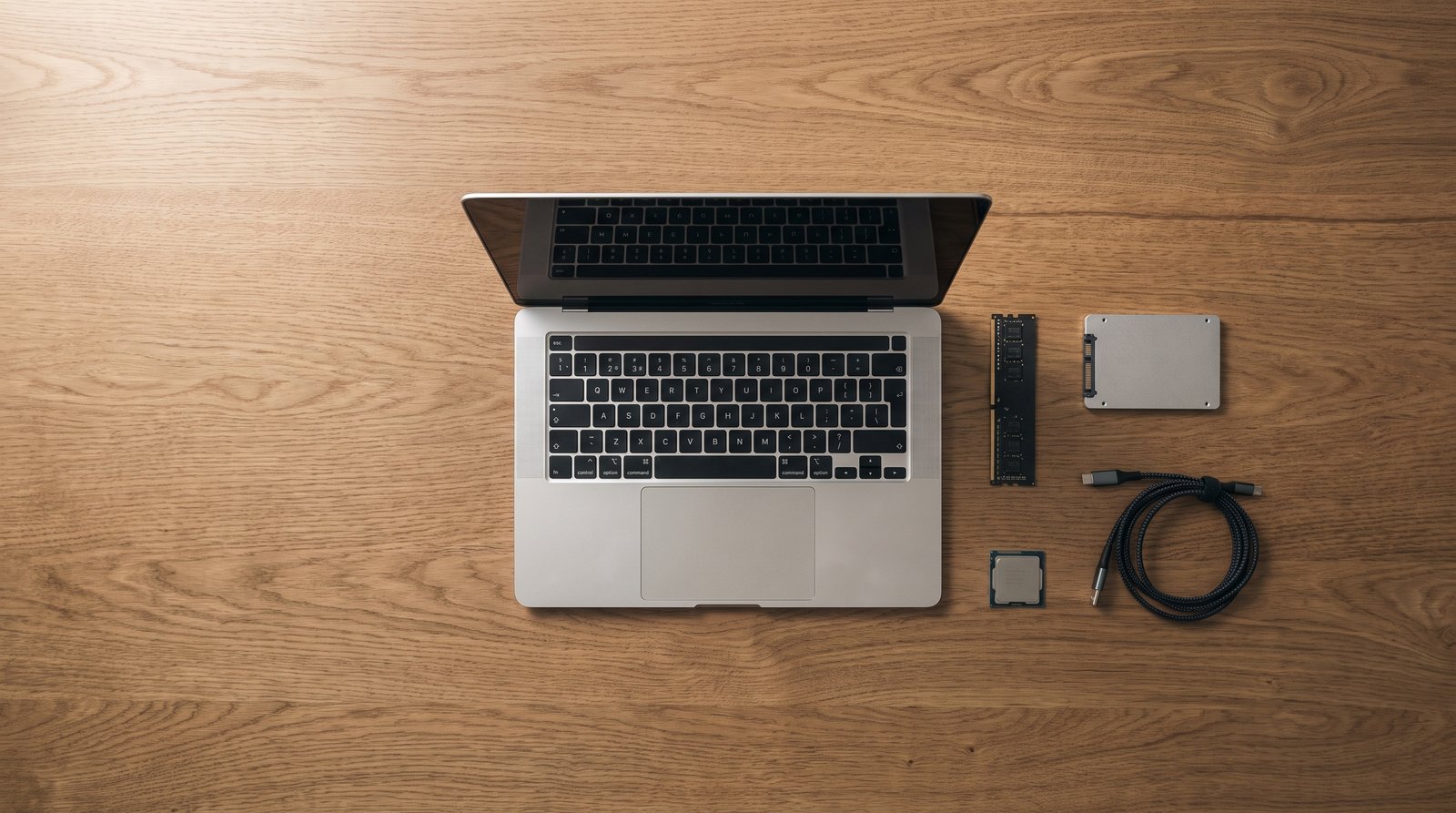
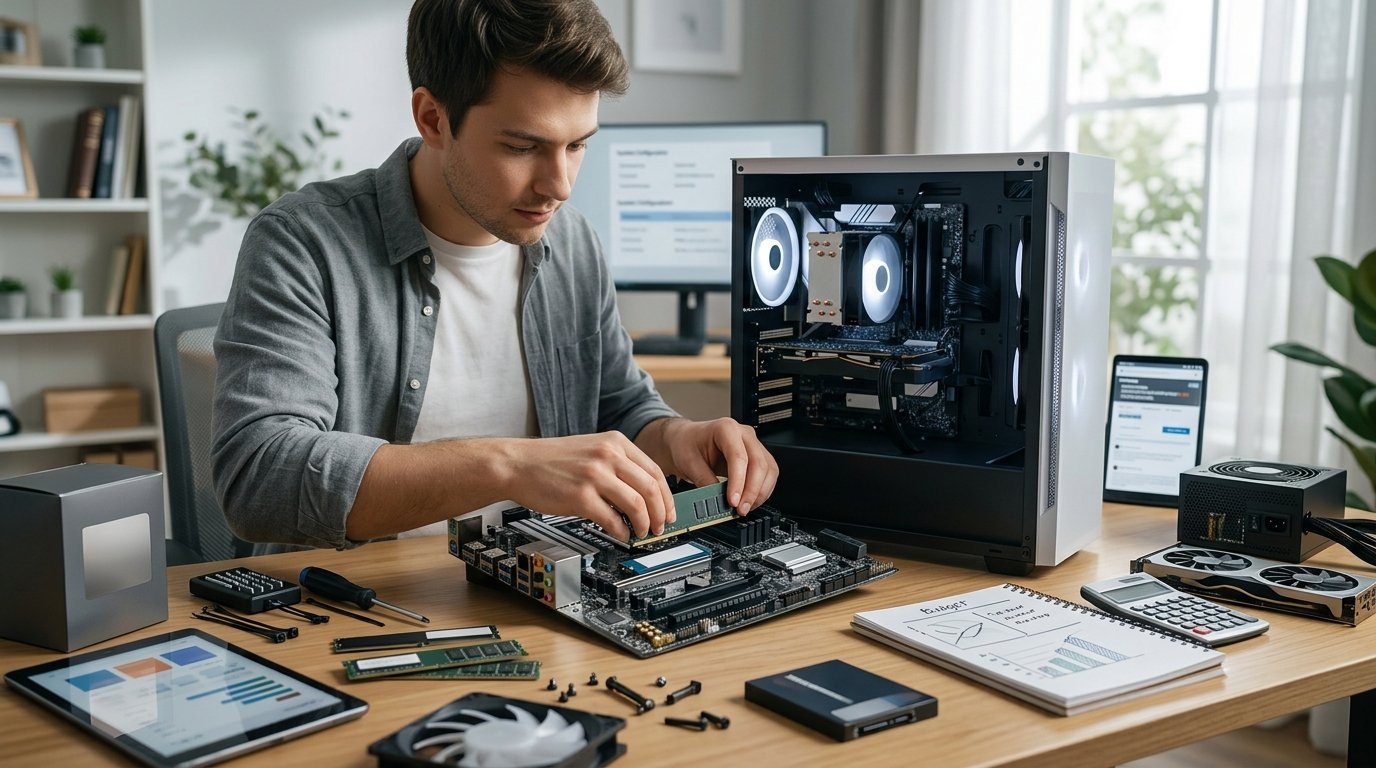
This matters more than the number. On many modern laptops the RAM is soldered to the motherboard and can never be changed. On others it sits in slots and can be upgraded in minutes with a screwdriver.
If it is soldered, buy for the machine's whole life rather than for today. Paying for 16GB instead of 8GB at purchase is a fraction of the cost of replacing the entire laptop in two years because it became frustrating to use.
If it is upgradeable, you can reasonably buy less now and add later, though check how many slots there are and whether they are already occupied. Manufacturers publish service manuals for most models, and those tell you exactly what is upgradeable.
Desktops are almost always upgradeable, which takes the pressure off this decision entirely.
Storage: type first
The type of drive matters more than the capacity for how the machine feels. An SSD has no moving parts and is many times faster than a mechanical hard drive at the operations that dominate everyday use — booting, opening applications, loading files.
Any computer bought today should have an SSD as its main drive. If a cheap machine has a mechanical drive, that is the main reason it is cheap, and it will feel slow no matter what processor is inside.
Within SSDs, NVMe drives are faster than SATA ones. The difference is real but far less dramatic than the SSD-versus-hard-drive gap, and most people will not notice it in ordinary use.
Storage: how much
Start by checking what you currently use, then think about direction of travel.
- 256GB is tight. The operating system and applications can take a substantial share before you store anything.
- 512GB is a comfortable baseline for most people.
- 1TB suits photo and video libraries, large game installations, or local backups.
- 2TB and above is for serious media work or large local archives.
A drive that is completely full also slows down, so leaving some free space is sensible rather than filling it to the last gigabyte.
Storage is the easier problem
Unlike RAM, storage has cheap workarounds. External SSDs are fast, small and inexpensive. Cloud storage handles documents and photos well. Many laptops have an accessible drive slot even when the RAM is soldered, and desktops have several.
This is why, if you have to choose where to spend, RAM usually deserves the money — particularly on a machine where it cannot be changed afterwards.
The short version
Measure your actual memory use rather than guessing. Find out whether the RAM is soldered; if it is, buy generously. Insist on an SSD. Aim for 512GB of storage unless you know you need more, and remember that external drives solve storage problems cheaply while nothing solves a soldered 8GB machine.