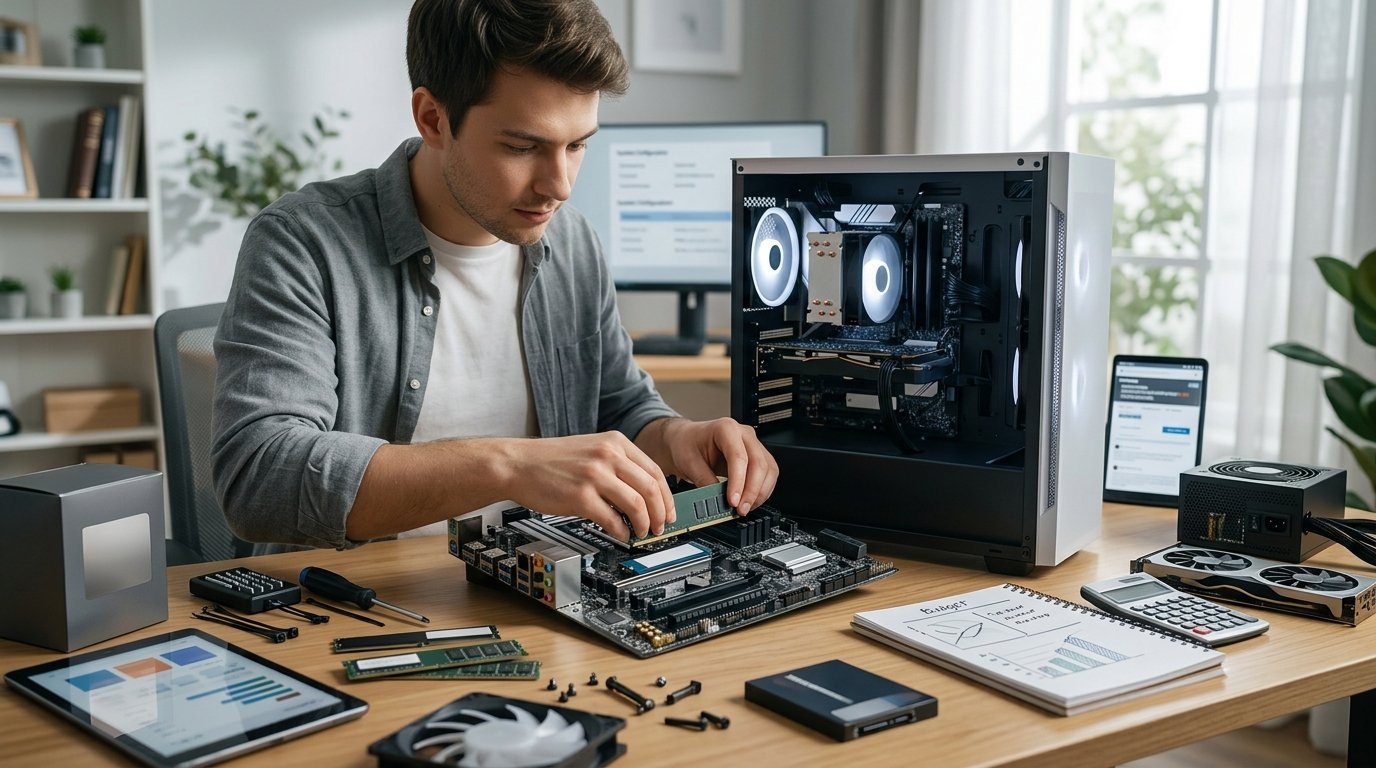
Building a computer is mostly a matter of matching compatible parts and being methodical. The assembly is genuinely easier than most people expect. The harder part is deciding where the money goes.
The components, and what each one does
Processor (CPU). General computing performance. Determines how the machine handles everyday work and processor-heavy tasks like compiling, encoding and simulation.
Motherboard. Connects everything. Determines which processors fit, how much RAM you can install, how many drives and expansion cards you can add, and which ports appear on the back.
RAM. Working memory. 16GB is the sensible baseline for a new build; 32GB if you know you need it.
Graphics card (GPU). Renders what appears on screen. The dominant component for gaming and 3D work, and increasingly for video editing and machine learning. Many processors include integrated graphics, which is enough if you are not gaming.
Storage. An NVMe SSD for the operating system and applications. A second larger drive if you need bulk capacity.
Power supply (PSU). Converts mains power for the components. Unglamorous and important.
Case. Holds everything, and determines airflow, noise and how pleasant the build is.
Cooling. The stock cooler included with many processors is adequate for standard use. Higher-performance processors benefit from better cooling.
Roughly how a budget divides
These are rough proportions rather than rules, and they shift with what the machine is for.
For a gaming build, the graphics card typically takes the largest single share — often around a third to 40% of the total. The processor takes perhaps 15 to 20%, with the remainder spread across motherboard, RAM, storage, power supply and case. Overspending on the processor while underspending on the graphics card is the classic first-build mistake for gaming.
For a general work or productivity build, the balance reverses. Integrated graphics may be sufficient, freeing that budget for a stronger processor, more RAM and better storage.
For a creative workstation, it depends on the software. Video editing and 3D rendering often benefit from both a strong processor and a capable graphics card, plus considerably more RAM and fast storage.
Where cutting costs causes real problems
The power supply. This is the component that should never be the cheapest option. A poor unit can be unstable under load, and in the worst cases can damage other components. Buy from a reputable maker, look for a recognised efficiency rating, and leave headroom above your calculated draw. Online calculators estimate the requirement from your part list.
The motherboard, in a specific way. You do not need an expensive board, but you do need one with the features you will actually use — enough RAM slots, enough drive connectors, the ports you need, and adequate power delivery for the processor you have chosen. Very cheap boards paired with high-end processors can throttle under sustained load.
Case airflow. A case chosen purely on looks, with restricted intake, will run hotter and louder. Mesh front panels generally outperform solid glass ones for airflow.
Where you can safely economise
- The case, beyond adequate airflow and build quality. Aesthetics are optional.
- RGB lighting and decorative components.
- Extremely fast RAM. The performance difference between mid-range and top-end memory speed is small for most workloads.
- Bulk storage. A cheaper large drive alongside a fast smaller one is a sound arrangement.
- The stock cooler, if your processor includes one and you are not pushing it hard.
Checking compatibility
This is where first builds go wrong, and it is entirely avoidable. The processor must match the motherboard socket and the board must support that specific chip — sometimes after a firmware update. The RAM must be the right generation for the board. The graphics card and cooler must physically fit the case. The power supply must have the right connectors.
Online part-picker tools check most of this automatically and will flag conflicts before you spend anything. Use one, then verify the processor against the motherboard maker's own support list.
Buying over time
Components go on offer independently, so buying across a few sale periods can reduce the total meaningfully. Two cautions: check the return window on parts bought early, since a fault may not appear until you assemble everything, and decide the full parts list first so that later purchases stay compatible.
Is building still worth it?
Sometimes. Pre-built machines from large manufacturers benefit from bulk pricing and can be competitive, particularly at the budget end and when graphics cards are expensive. The genuine advantages of building are control over every component, easier repair and upgrade, and knowing exactly what is inside. If those matter to you, build. If you simply want a working machine at the lowest price, compare honestly against pre-built options before committing.